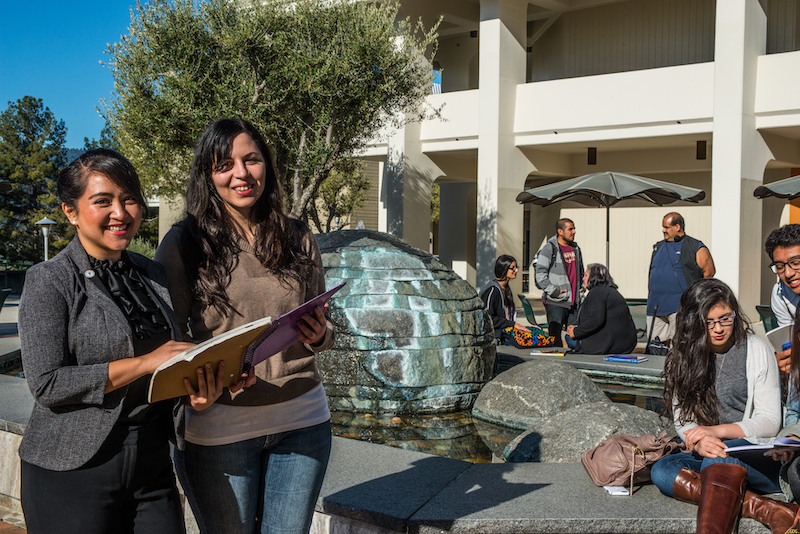
Image of campus buildings and trees


Financial Aid

Contact Us

Building 9-109
Phone Number (650) 306-3307
Fax Number (650) 306-3116

Questions? Email us at canadafinancialaid@smccd.edu

Campus Map (click to view)

Cañada College Financial Aid Mission Statement

It is the mission of the Cañada College Financial Aid Department to aid students and prospective students in their understanding, application, and timely receipt of all eligible financial aid resources they need to reduce the significant barriers the costs of higher education present. Our philosophy is that everyone is deserving of an education and we support this entitlement through education, compassion and respect.

Spring 2012 Hours

Monday and Thursday 8:00 a.m. to 4:30 p.m.
Tuesday and Wednesday 8:00 a.m. to 7:00 p.m.
Fridays 8:00 a.m to 12:00 noon

Summer 2012 Hours

Monday and Thursday 8:00 a.m. to 4:30 p.m.
Tuesday and Wednesday 8:00 a.m. to 7:00 p.m.
CLOSED Fridays June 8th through August 3rd

How do I get my Financial Aid Funds

Steps to Apply For Financial Aid & eDisbursement:

1. Apply for Admissions if required and complete the steps to enroll for classes 

2. Apply for Federal PIN (student and parent if dependent) to electronically sign your FAFSA each year

Your PIN serves as your electronic signature and provides access to your personal records, so you should never give your PIN to anyone, including commercial services that offer to help you complete your FAFSA. Be sure to keep your PIN in a safe place.

3. Complete the FAFSA on-line

Please add Cañada's school code 006973 to your FAFSA. To better serve you, if you think you may enroll in any courses at the other two campuses in the San Mateo County Community College District, please also add their school codes on your FAFSA (001181 - CSM and 007713 - Skyline).  

Need Help? FAFSA Tuesdays - open lab from 2:00 pm - 5:00 pm (need to arrive by 4:30) for FAFSA help in Building 9-106. Come by or call us at (650) 306-3307 for more information.

Click here http://www.fafsa.ed.gov/fotw1112/help/before003.htm for a list of recommended items to bring with you to help you complete the Free Application for Federal Student Aid (FAFSA).

4. Submit ALL documents/forms requested by the Financial Aid Office

Once your FAFSA is processed, the Financial Aid Office will notify you through your college issued "my.smccd.edu" email address to check for any additional requirements on WebSMART. Please submit ALL required documents/forms at the same time. Incomplete documents/forms will not be accepted.

5. Create a Sallie Mae eDisbursement account.

Review the disbursement options and choose how your financial aid and scholarship payments will be sent to you

6. Receive your financial aid and/or scholarship disbursement

If your financial aid file is compete, you are not required to appeal, and are enrolled in sufficient units to receive your pending financial aid payment, your funds will be released the next scheduled disbursement date. See disbursement policy for more information.

Check out Financial Aid TV to listen to students' questions about financial aid!

Financial Aid TV 

Univision released a new Spanish-language video that focuses on completing the Federal Application for Financial Student Aid. The video explains how to complete the form, and gives viewers tips for accessing the form in Spanish, ordering paper copies and surfing FAFSA.gov.

white spacer students
| About this site | © 2004-2005 Cañada College
OmniUpdate